Picture this: tax season hits, and you’re digging through a shoebox of crumpled receipts. Your small business took off this year, but now you scramble to remember what that $50 coffee run was for. Sound familiar? Many owners face this mess because poor expense tracking leads to missed deductions and cash flow headaches. Small businesses often fail from cash shortages tied to unmonitored spending, and with 2026 costs up from 3% inflation on wages and supplies, tracking matters more than ever.
You lose out on real money without good records. Spot waste early, claim every deduction, stay IRS compliant, and make smart choices. This guide covers it all. You’ll learn what counts as expenses, manual tricks with spreadsheets, top apps for 2026, daily habits, and how data boosts your taxes and growth. Start simple, and you’ll build control fast.
Pinpoint What Counts as a Business Expense
Business expenses are costs you pay to run your operation. They must be ordinary and necessary, per IRS rules. Ordinary means common in your industry. Necessary means helpful and appropriate.
Think office supplies, travel, marketing, or 50% of business meals. Home office setups qualify if you use the space exclusively for work. Track mileage at 72.5 cents per mile in 2026. But skip personal stuff like your daily latte; that’s not deductible.
Coffee with a client? Yes, if you note the purpose. Your morning brew alone? No. The IRS checks if expenses tie directly to business. For details on ordinary and necessary rules, check this IRS guide explanation.
Common categories include:
- Supplies and equipment.
- Advertising and website fees.
- Utilities for a qualifying home office.
- Vehicle costs or mileage.
- Professional fees like legal help.
Start a cheat sheet now. List your top spends and match them to IRS tests. Consult a tax pro for your setup, especially home offices needing exclusive use. This step prevents audit surprises.
Differentiate personal from business spending right away. Use separate bank accounts. That habit saves hours later. In 2026, tighter documentation means solid records win.
Master Manual Tracking with Receipts and Spreadsheets
New to tracking? Go low-tech first. Snap photos of receipts immediately with your phone. Note date, amount, vendor, and purpose on each. File them digitally in folders by month.
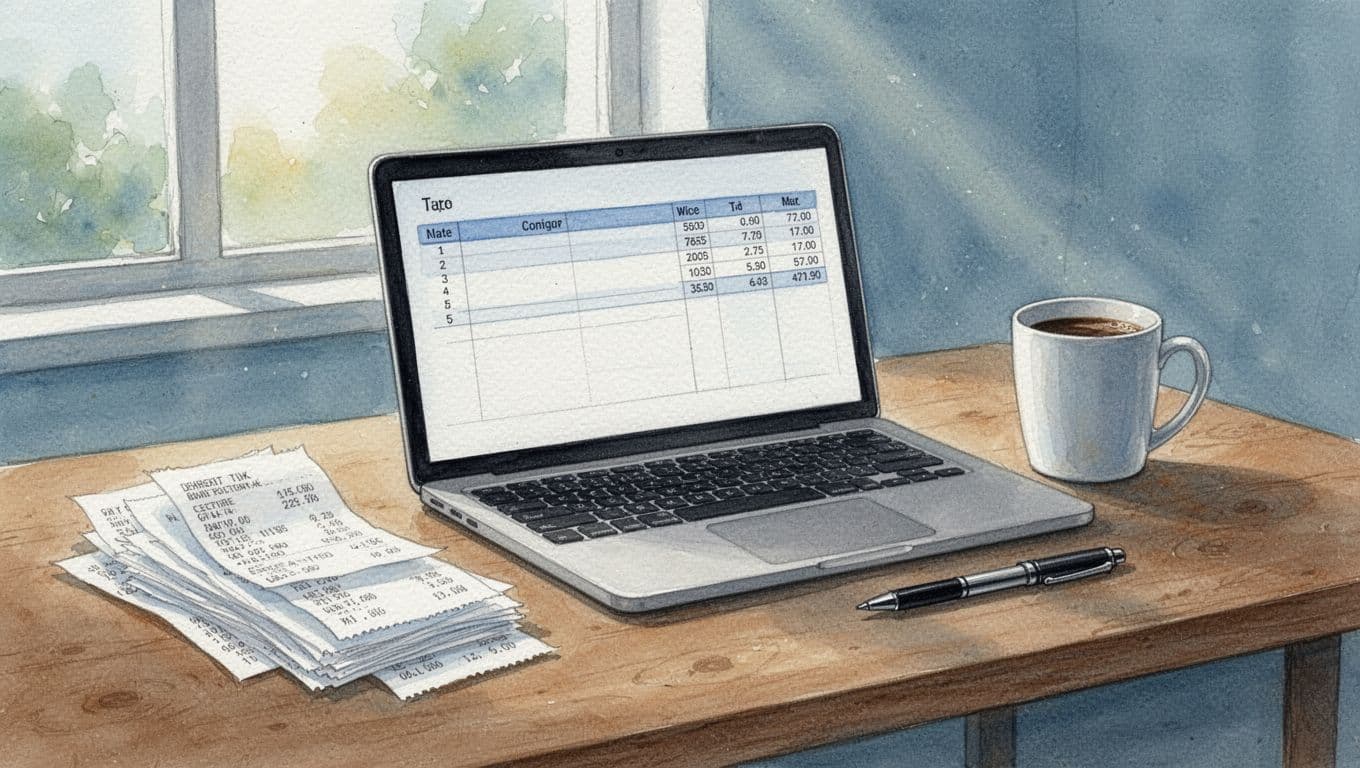
Set up a free spreadsheet in Google Sheets or Excel. Use columns: date, vendor, amount, category, notes, and payment method. Enter data weekly to avoid backlog.
Pros include zero cost and total control. You see everything at a glance. Downsides? It takes time, and errors creep in without checks.
Build Your Simple Spreadsheet Tracker in Minutes
Open Google Sheets. Add headers in row 1: Date, Vendor, Amount, Category, Notes.
Create a drop-down for categories. Go to Data > Data validation. List options like “Travel” or “Meals.”
Add formulas. In a Totals column, use =SUM(D2:D100) for amounts. Make monthly tabs with =SUM(Sheet1!D:D) for overviews.
Insert charts. Select data, then Insert > Chart for pie views of spending. Edit on mobile anytime.
Grab a free Google Sheets template to speed setup. Color-code rows by category. Backup to Drive weekly.
Never Lose a Receipt: Smart Capture Tricks
Use your phone’s camera app. Shoot both sides of receipts. Upload to Google Drive, label as “2026-04-Meals-ClientX.”
Clear your wallet weekly. For cash, jot details right away. Lost one? Estimate with bank statements, but note it.
This method builds discipline. You control data without apps.
Switch to Top Expense Tracking Apps in 2026 for Hands-Free Wins
Apps save hours with bank syncs and AI scans. They categorize spends, track mileage via GPS, and generate reports. Real-time views beat manual entry.
Top picks for small businesses: FreshBooks for overall ease, Zoho Expense for free starts, Expensify for scans, and QuickBooks for accounting ties. Trends include AI receipts and integrations.
Test free trials. They beat spreadsheets for teams or high volume.
Here’s a quick comparison:
| App | Best For | Key Features | Starting Price |
|---|---|---|---|
| FreshBooks | Invoicing + expenses | Bank sync, receipt scan, reports | $19/month (Lite) |
| Zoho Expense | Budget teams | AI categorize, approvals | Free; $4/user |
| Expensify | Mobile solos | SmartScan, GPS mileage | Free; $5/user |
| QuickBooks | Full accounting | Auto-imports, vendor pay | $30/month |
Pricing from 2026 data; check sites for deals. For reviews, see FreshBooks’ top trackers list.
FreshBooks and Zoho Expense: Leaders for Small Teams
FreshBooks auto-tracks bank feeds and sorts by tax categories. Run profit reports fast. Suits service pros at $19/month.
Zoho offers free receipt capture and analytics. Link to Zoho Books for invoices. Great for approvals at $4/user.
Both cut manual work by 80%.
Expensify, Easy Expense, and QuickBooks for Solos and Freelancers
Expensify’s SmartScan reads receipts instantly. GPS logs miles. Free for basics.
QuickBooks imports transactions and pays bills. Ties to payroll at $30/month.
Pick by needs: mobile focus or accounting depth.
Daily Habits and Reviews to Keep Expenses Under Control
Build routines for autopilot. Snap receipts end-of-day. Review weekly. Check monthly totals against budgets.
Set app alerts for overspends. Reconcile with bank statements monthly. Prep quarterly for taxes.
Separate business accounts avoid mix-ups. For teams, require approvals.

Weekly Check-Ins That Catch Issues Early
Pull reports Sunday. Flag uncategorized items. Adjust budgets if marketing spiked.
Review trends. Cut extras like unused subscriptions.
Link Apps to Banks and Accounting for Seamless Flow
Connect QuickBooks to your bank. Transactions import auto. Match categories.
Benefits include fewer errors and real-time balances. Set it once, run forever.
Turn Expense Data into Tax Savings and Growth Insights
Reports show profit by category. Export deduction summaries for your CPA.
Max 2026 perks: home office simplified at $5/sq ft, mileage at 72.5 cents. Spot trends like high travel; switch vendors.
Forecast cash flow from history. One shop cut $5k by trimming ads after reviews.
Data turns chaos into growth.
Good tracking starts with categories and tools. Pick one app, trial it, set weekly reviews. You’ll claim more deductions and spot savings.
What’s your go-to app? Share below, pass this to a friend, or subscribe for tips. Solid records mean less stress and more business freedom.